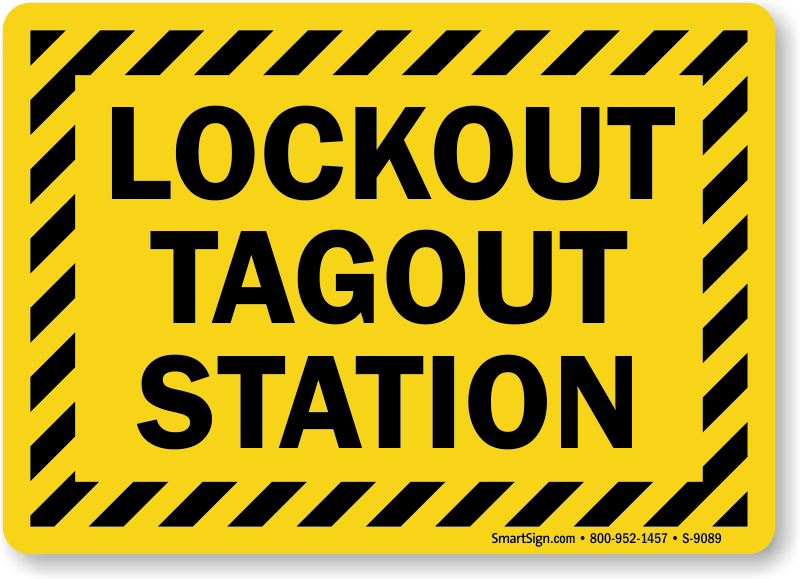
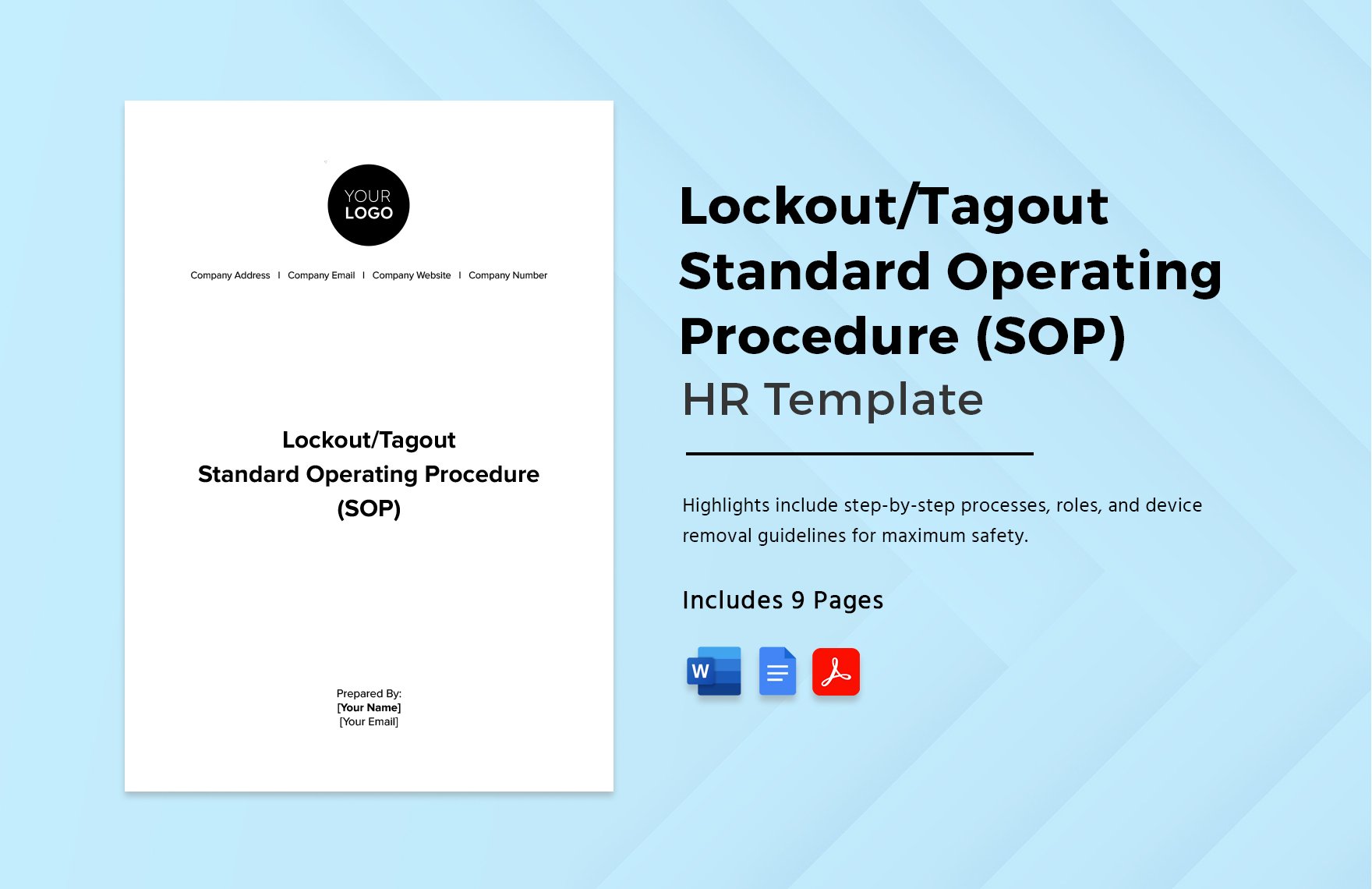
Every year, hundreds of workers suffer serious injuries—or worse—because machines start up unexpectedly during maintenance. These incidents are preventable. A well-structured lockout tagout (LOTO) program is the frontline defense. But building one from scratch takes time, expertise, and coordination. That’s where a reliable free lockout tagout program template becomes essential—especially for small to mid-sized operations needing to meet OSHA standards without reinventing the wheel.
This guide delivers not just a downloadable framework, but a fully actionable blueprint. You’ll learn what must be included, where most companies fall short, and where to get a practical, customizable LOTO program template—free of charge.
Why a LOTO Program Template Saves Time and Reduces Risk
Developing a lockout tagout program isn’t just about compliance—it’s about creating a repeatable, auditable system that protects lives. Without a standard structure, teams often miss critical steps: inconsistent tagging procedures, incomplete machine-specific procedures, or poor employee training records.
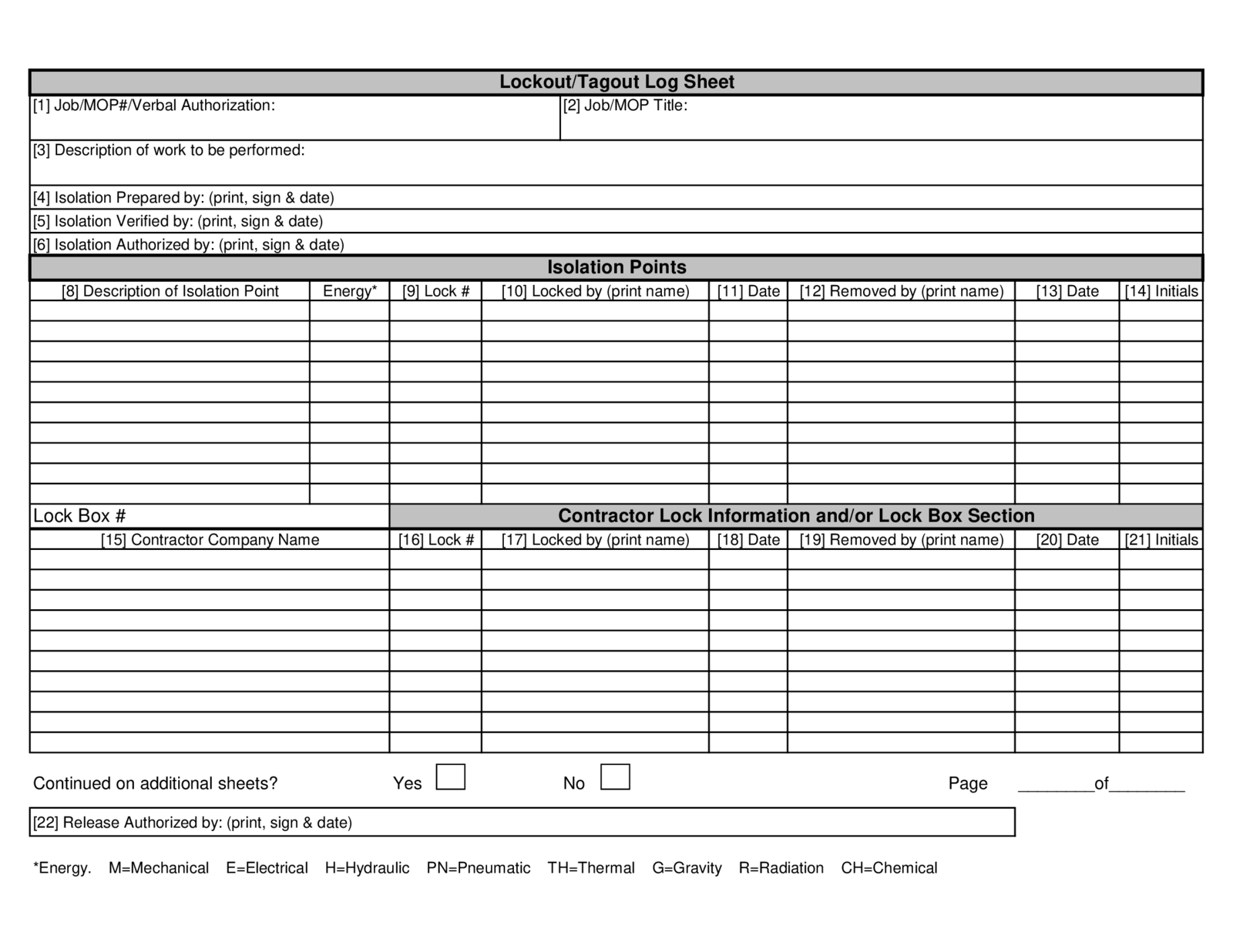
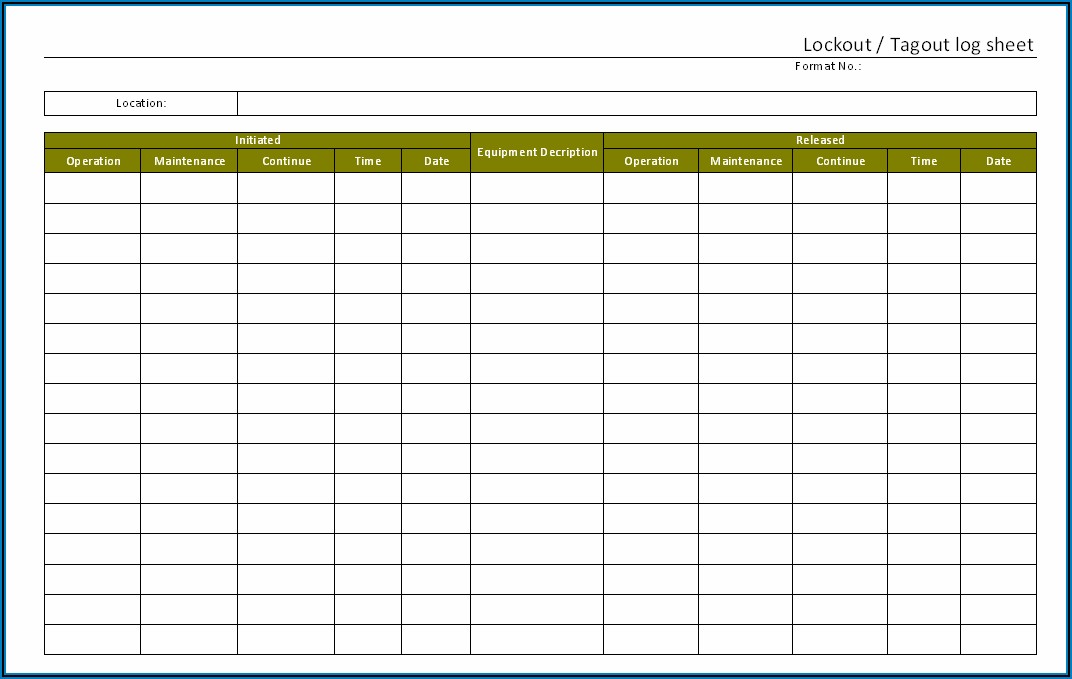
A solid LOTO program template eliminates guesswork. It ensures you cover all OSHA 1910.147 requirements, including: - Energy source identification - Machine-specific LOTO procedures - Employee training and re-certification logs - Periodic audits - Authorized vs. affected employee roles
Templates serve as force multipliers. Instead of starting with a blank document, safety managers plug in facility-specific details, saving hours while reducing compliance risk.
What to Expect in a High-Quality Free LOTO Template
Not all free templates are created equal. Many are outdated, too generic, or missing required OSHA elements. A truly effective template includes these core components:
#### 1. Program Policy Statement A formal declaration signed by management, stating commitment to energy control. This sets the tone and provides legal weight during inspections.
#### 2. Roles and Responsibilities Clearly defines: - Authorized employees (perform lockout) - Affected employees (operate or use equipment) - Supervisors and safety officers
#### 3. Energy Control Procedures (ECPs) Step-by-step instructions for each machine. A good template provides a fillable format with sections for: - Machine name and location - Type of hazardous energy (electrical, hydraulic, pneumatic, etc.) - Isolation points - Lockout devices used - Verification of zero energy
#### 4. Training and Certification Records Includes forms for initial and annual refresher training, with space for signatures and dates.
#### 5. Periodic Inspection Log OSHA requires annual audits of each ECP. Templates should include an inspector checklist and a correction log for non-conformances.
#### 6. Lockout Device Inventory Track locks, tags, hasps, and group boxes. Helps manage replacements and ensures standardization.
#### 7. Incident and Deviation Reporting A form to document near misses or unplanned energizations, aiding root cause analysis.
Where to Find a Reliable Free LOTO Program Template
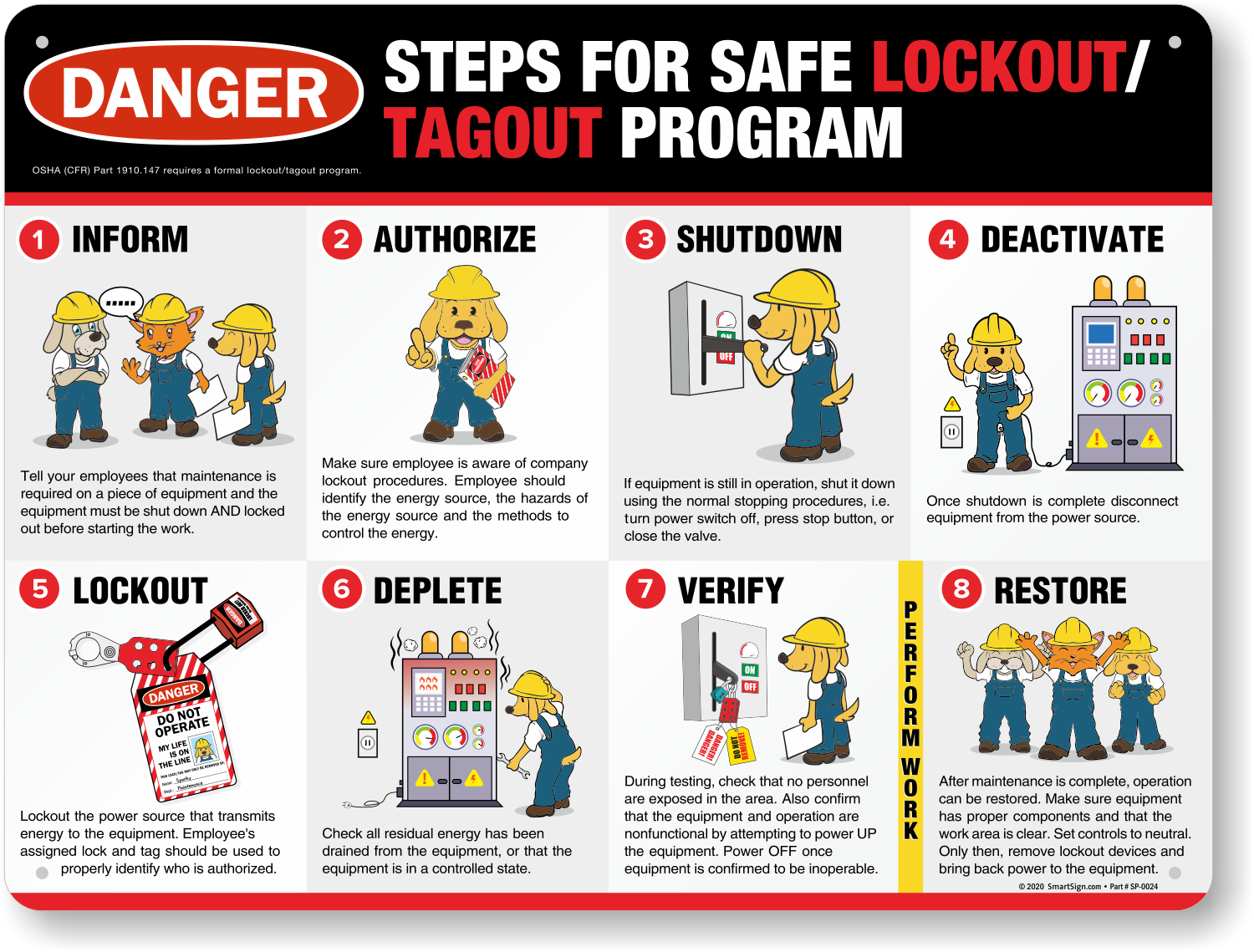
Many safety websites offer “free” templates, but quality varies. Below are five trusted sources offering genuinely useful, OSHA-aligned LOTO program templates at no cost:
| Source | Template Features | Access Method |
|---|---|---|
| OSHA.gov | Official guide with sample program language and checklists | Direct download from osha.gov/dsg/graphics/loto.html |
| Canadian Centre for Occupational Health and Safety (CCOHS) | Bilingual, comprehensive structure with procedural examples | Free download with email signup |
| SafetyNow | Editable Word template with training logs and audit forms | Free with account registration |
| Creative Safety Supply | Ready-to-customize PDF and Word versions, includes visual labels | Free download with email |
| EHS Daily Advisor (BLR) | Full program with policy, procedures, and compliance checklist | Free white paper download |
Pro Tip: Always verify the template aligns with the latest OSHA 1910.147 standard. Avoid templates that don’t include verification steps or periodic inspection requirements—these are audit red flags.
Common Mistakes When Using Free Templates
Even with a solid template, companies often make critical errors that undermine their program:
#### Mistake 1: Skipping Machine-Specific Procedures Using a generic “one-size-fits-all” procedure for all equipment. OSHA requires specific steps for each machine. Customize every ECP with actual isolation points and energy types.
#### Mistake 2: Incomplete Training Documentation Signing off on training without proof. A template is only useful if you populate it. Keep dated records, with employee names, topics covered, and trainer signatures.
#### Mistake 3: Ignoring Periodic Inspections Failing the annual audit requirement. Use the template’s inspection log to schedule and document walkthroughs. Correct deviations immediately.
#### Mistake 4: Poor Lockout Device Management Allowing employees to use personal locks without a checkout system. Track locks by ID number and employee to ensure accountability.
#### Mistake 5: Not Reviewing After Equipment Changes When a machine is upgraded or relocated, the ECP must be updated. Reuse the template’s revision log to track changes.
How to Customize Your Free LOTO Template
A template is a starting point—not an endpoint. Follow this workflow to make it operational:
- Conduct a Machine Inventory
- List all equipment requiring LOTO. Include serial numbers and locations.
- Identify Energy Sources
- For each machine, document all forms of hazardous energy (e.g., 480V electrical, 120 psi hydraulic).
- Map Isolation Points
- Label disconnects, valves, and bleed points. Use photos in your ECPs for clarity.
- Develop Step-by-Step Procedures
- Use the template’s ECP form. Example for a conveyor system:
- - Step 1: Notify affected employees
- - Step 2: Shut down using E-stop
- - Step 3: Isolate main power disconnect
- - Step 4: Lock out with assigned lock and tag
- - Step 5: Depressurize pneumatic lines
- - Step 6: Attempt restart to verify zero energy
- Train and Certify Employees
- Conduct hands-on training. Use the template’s sign-off sheet.
- Schedule Annual Audits
- Assign a supervisor to review each ECP yearly. Document results.
Real-World Use Case: A food processing plant used a free CCOHS template to build their LOTO program. After customization, they reduced maintenance-related incidents by 70% within 18 months—and passed their OSHA audit with zero citations.
Tools to Support Your LOTO Program Beyond the Template
While the template lays the foundation, digital tools can enhance compliance:
- Lockout Tagout Software (e.g., Limble CMMS, Fiix)
- Digitize procedures, track lock usage, and automate audit reminders.
- Mobile LOTO Apps
- Allow technicians to pull up ECPs on tablets or phones in the field.
- Barcoded Lock Systems
- Assign locks with unique IDs scanned during procedure execution.
- Training Platforms (e.g., Vector Solutions, Safety Culture)
- Host LOTO training modules with built-in assessments and certification tracking.
Even if you start with a free Word-based template, consider integrating digital tools as your program scales.
Final Checklist Before Rolling Out Your LOTO Program
Before declaring your program “live,” verify these items are in place:
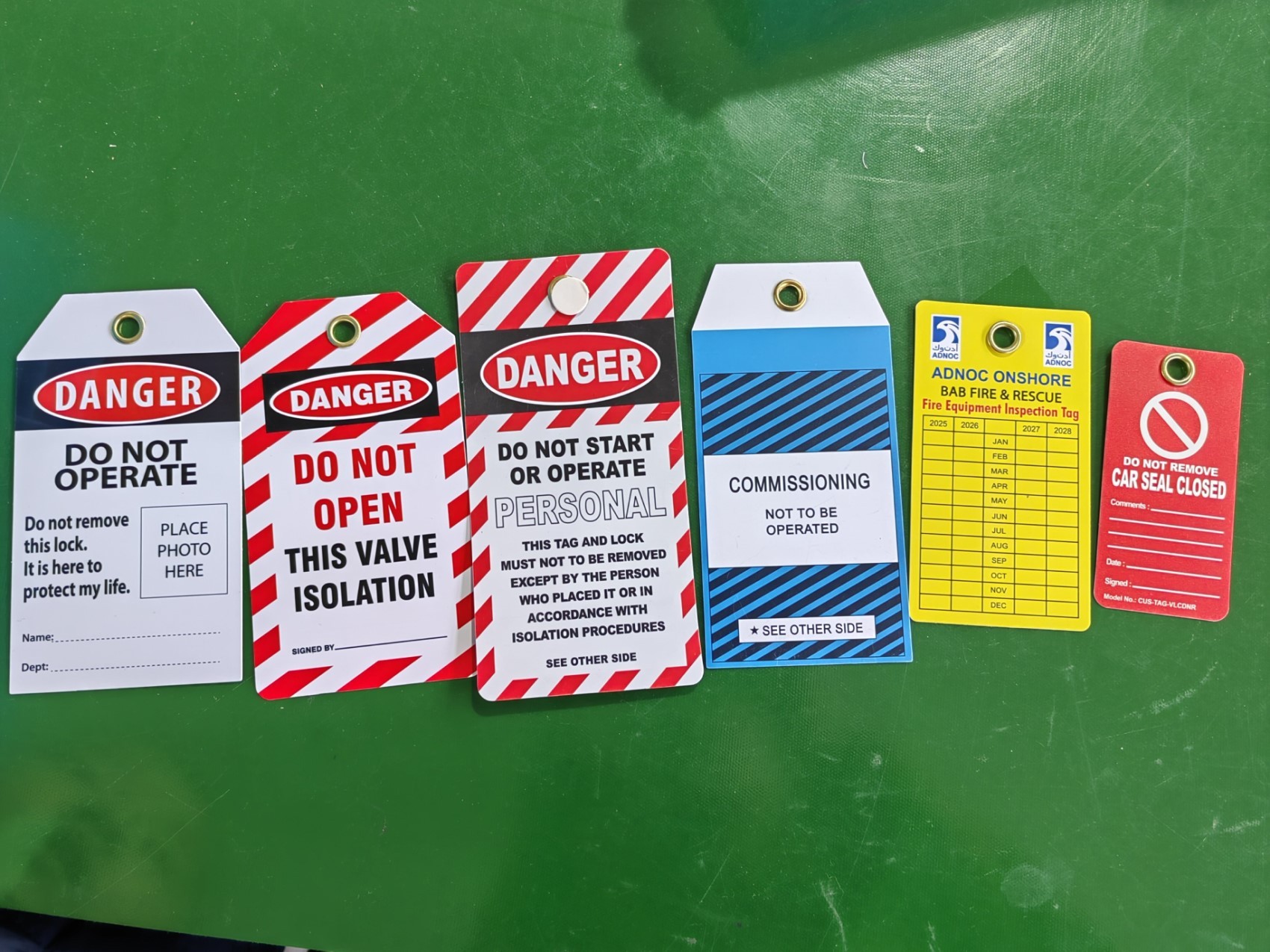
✅ All machines have written, specific ECPs ✅ Training records are completed and filed ✅ Lockout devices are on-site and standardized ✅ Periodic inspection schedule is set ✅ Management has signed the program policy ✅ Employees understand the difference between lockout and tagout ✅ Tags include required info: “Do Not Operate,” employee name, date
A free template isn’t a shortcut—it’s a scaffold. Your responsibility is to build on it with precision and consistency.
A strong lockout tagout program begins with structure. Use a proven free LOTO program template to fast-track compliance, eliminate gaps, and protect your team. Download one from a trusted source, customize it for your operations, and enforce it with discipline. Safety isn’t optional—your template is the first step in making it systematic.
FAQ
Where can I get a free LOTO program template? Reputable sources include OSHA.gov, Creative Safety Supply, SafetyNow, CCOHS, and EHS Daily Advisor—all offer free, downloadable templates.
Does OSHA provide a LOTO template? Yes, OSHA offers a guidance document with sample language and program elements on its website, though it’s not a fillable form.
Can I use a free template for OSHA compliance? Yes, as long as you customize it to your equipment, train employees, and conduct annual inspections.
What’s the difference between lockout and tagout? Lockout physically isolates energy sources with a lock; tagout uses a warning tag. Lockout is preferred when possible.
How often must LOTO procedures be reviewed? OSHA requires annual inspections of each energy control procedure to ensure accuracy and employee understanding.
Do all employees need LOTO training? Only authorized employees (who perform maintenance) need full training. Affected employees must understand the program’s purpose and not bypass locks.
Are digital LOTO procedures acceptable? Yes, if they’re accessible during maintenance, include all required steps, and are part of a documented program.
FAQ
What should you look for in Free Lockout Tagout Program Template for Workplace Safety? Focus on relevance, practical value, and how well the solution matches real user intent.
Is Free Lockout Tagout Program Template for Workplace Safety suitable for beginners? That depends on the workflow, but a clear step-by-step approach usually makes it easier to start.
How do you compare options around Free Lockout Tagout Program Template for Workplace Safety? Compare features, trust signals, limitations, pricing, and ease of implementation.
What mistakes should you avoid? Avoid generic choices, weak validation, and decisions based only on marketing claims.
What is the next best step? Shortlist the most relevant options, validate them quickly, and refine from real-world results.